Home Office Photos That Sell Listings
11/18/2026
Why the Home Office Is Now the Second Kitchen
A few years ago, the home office was an afterthought in a listing — a desk squeezed into a spare bedroom, photographed once, almost apologetically. That era is over. For a huge share of Toronto buyers today, the workspace is the second thing they judge after the kitchen, and often the first thing they actually picture themselves using. Hybrid schedules are not a pandemic hangover; they are how a large part of the city's workforce lives now, and buyers shop accordingly.
When a buyer scrolls a listing, they are not just counting bedrooms. They are running a mental rehearsal of their working day: where the laptop goes, where the calls happen, whether the light will hold up through a grey February afternoon. A listing with a strong, believable home office photo tells them that rehearsal ends well. A listing with a dark corner and a folding table tells them the opposite — and they keep scrolling.
That is why the home office deserves the same photographic care as the living room. It is not a bonus room anymore. It is a selling point, and the photos have to prove it.
Shoot the Workspace Like a Room, Not a Desk
The most common mistake in home office photography is treating the desk as the subject. A tight shot of a laptop and a chair tells a buyer almost nothing. What they need is the room: its size, its shape, the distance between the desk and the door, the wall where a second monitor or a bookshelf could live.
Step back. Shoot from the doorway or the far corner at eye level, wide enough to show the desk, the chair, and at least one full wall. Buyers need to see circulation space — the room has to feel like somewhere a person can sit for eight hours without going stir-crazy. If the office is a nook off the living room rather than a separate room, say so with the photo: show the nook in context, with the living space visible behind it, so the buyer understands the layout instead of guessing.
Keep verticals straight and resist the urge to go ultra-wide. A distorted office looks bigger in the thumbnail and smaller in person, and that gap is exactly what kills trust at a showing. A natural, honest wide angle — the kind that shows the room as it actually feels — will always outperform a stretched one.
Light It Like You Mean It
Nothing sells a workspace like good light, and nothing ruins one faster than a dim, yellow photograph. Buyers associate bright, even light with productivity and with health; a gloomy office photo reads as a basement, even when the room is on the second floor.
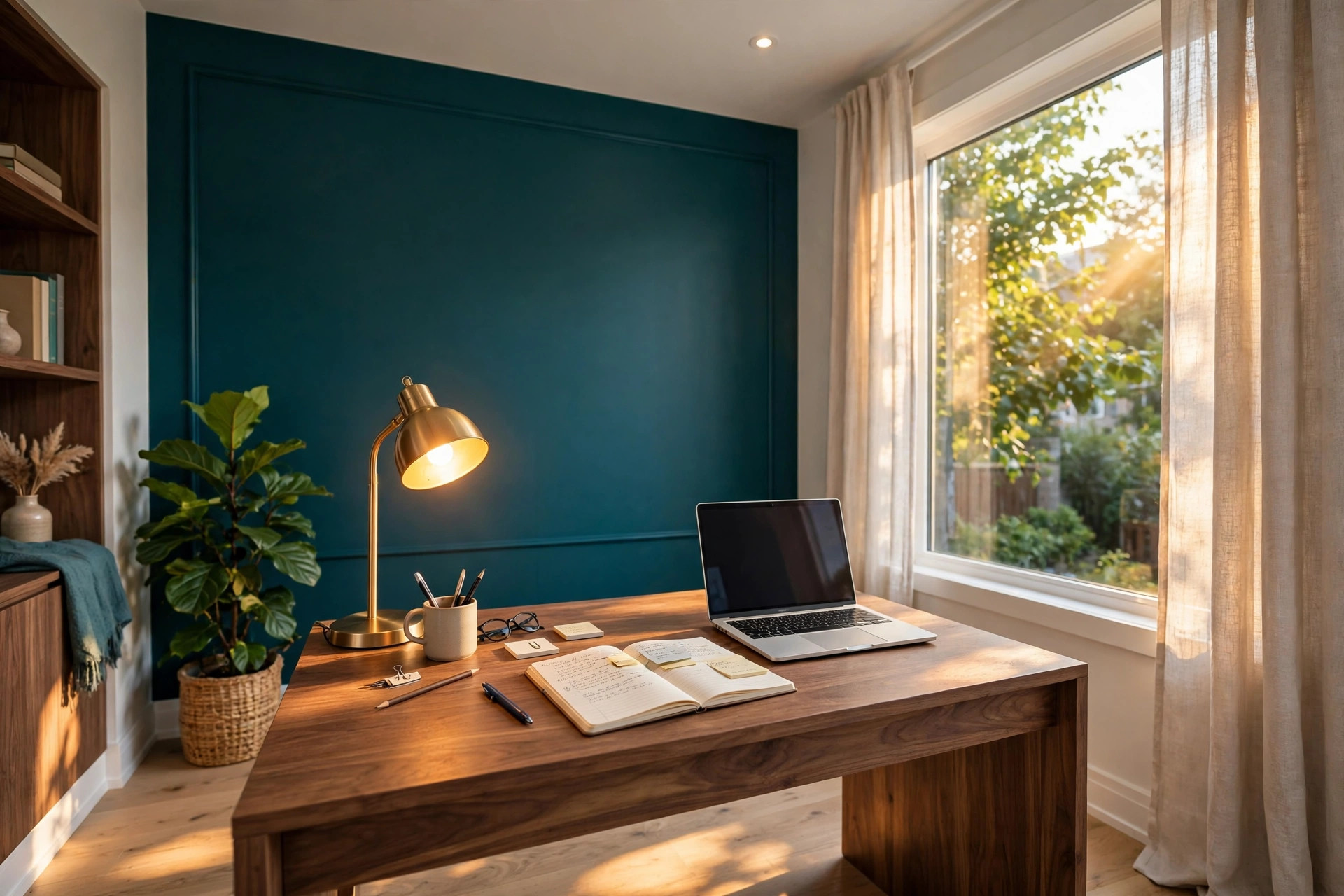
The best time to shoot a home office is late morning or early afternoon, when daylight is strong but not harsh. Open the blinds fully and let the window do the work. If the desk faces the window, you get the added bonus of a view in the background — a tree, a quiet street, a bit of sky — which quietly tells the buyer this is a pleasant place to spend a day.
When natural light is not enough, add a warm desk lamp and turn on the room's overhead light, then balance the exposure so neither source blows out. The goal is a photo where the screen, the desk surface, and the far wall are all readable at once. If the laptop screen is in frame, dim it or angle it away from the camera; a glowing white rectangle pulls the eye and flattens everything around it.

Stage for Work, Not for a Magazine
A home office staged like a magazine spread — empty desk, single vase, nothing personal — looks beautiful and sells nothing. Buyers cannot picture themselves working at a desk that looks like nobody has ever worked at it. The trick is staging that suggests real use without showing real mess.
A laptop, closed or at a low angle. A notebook, open to a blank page. A mug, a small plant, a pair of headphones resting on the desk. These props are not decoration; they are cues. Each one answers a question the buyer is silently asking: is there room for my things, does this feel like a real working day, could I sit here tomorrow?
Keep it sparse, but keep it human. One or two personal touches — a framed print, a bookshelf with actual books — make the room feel lived-in. Ten of them make it feel cluttered. The line is thin, and it is worth walking carefully: the photo should feel like the start of a workday, not the end of a photoshoot.
The Details That Signal "This Works From Home"
Beyond the desk itself, certain details tell a remote-work buyer that a home is genuinely set up for their life. Photograph them deliberately.
Power and connectivity first: a visible outlet near the desk, a tidy cable setup, a router or mesh node placed sensibly rather than hidden in shame. Buyers who work from home have strong opinions about outlets, and a photo that shows them in the right places is quietly reassuring.
Then storage and separation. A closed door matters — photograph the office with the door visible, even slightly ajar, because the ability to close off work at the end of the day is one of the biggest quality-of-life features a home office can offer. Shelving, a filing cabinet, or a closet nearby all signal that the room can hold a working life, not just a laptop.
Finally, sound and privacy. A rug under the desk, curtains on the window, a solid door instead of an open archway — these are the details that tell a buyer their video calls will not echo and their meetings will not be interrupted by the rest of the household. You do not need to caption any of this. The photo does the talking.
What to Leave Out of the Frame
Some things actively hurt a home office photo, and the fastest way to improve a listing is to remove them before the camera comes out.
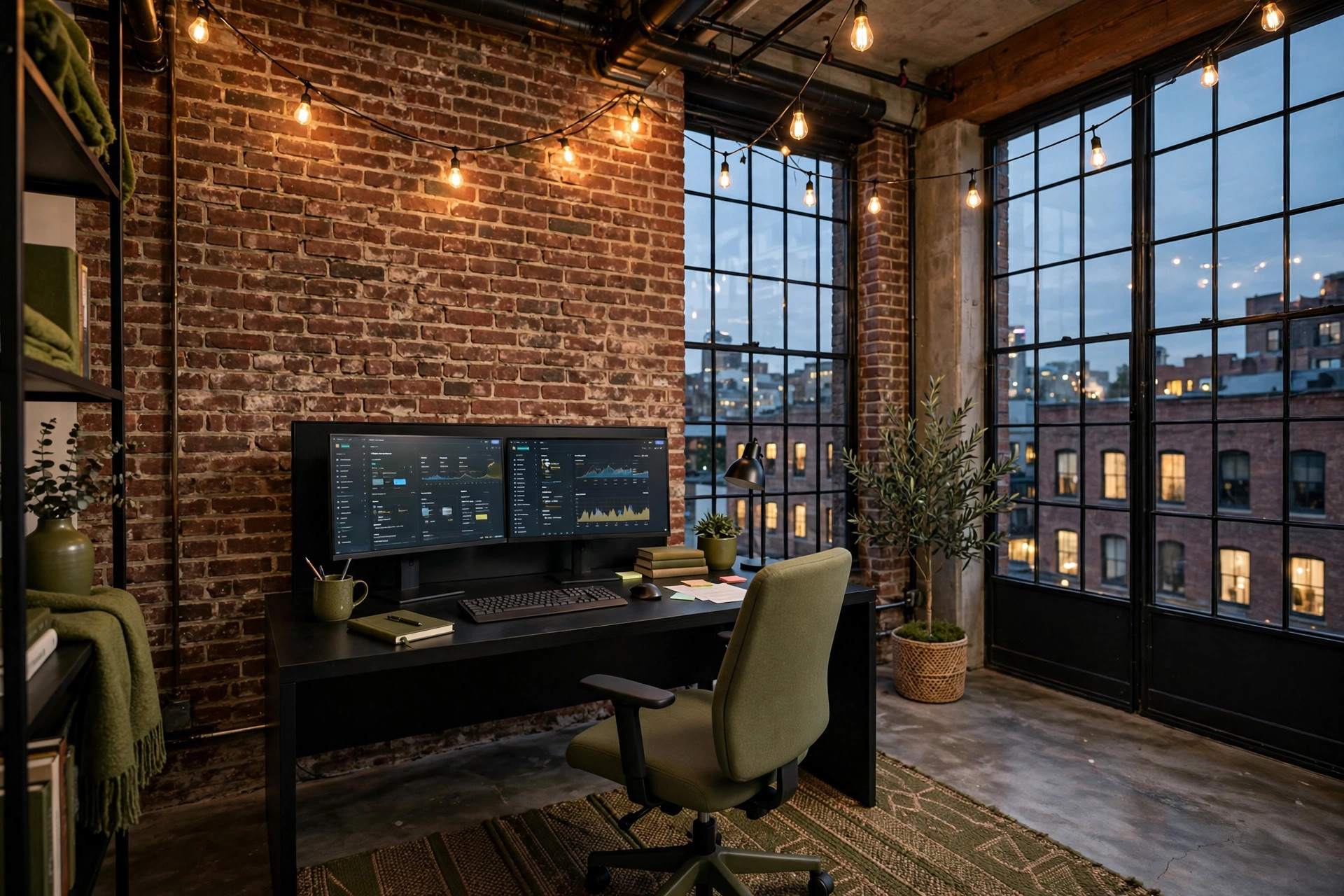
Cables are the first offender. A tangle of chargers and power bars under the desk reads as chaos, even in an otherwise beautiful room. Tuck them, clip them, or hide them behind the desk leg — five minutes of cable management transforms the shot.
Second, the chair. A worn office chair with a stained seat or a leaning tower of laundry draped over it will dominate any photo it appears in. Swap in a clean, simple chair for the shoot, even if the owner plans to keep their own. The chair is the second-largest object in the frame; it deserves the same attention as the desk.
Third, the background of the video call. Buyers now instinctively check what would be behind them on camera. A bare wall is fine. A cluttered shelf, a drying rack, or a bathroom door is not. Angle the desk so the camera-facing wall is the tidy one, and the photo will silently pass the test every remote worker runs.
Photograph the home office like the selling point it has become, and the listing stops being a set of rooms with a desk in one of them. It becomes a home where a buyer's working life already fits — and that is a much easier home to fall for.